 MealBeep
Run your whole restaurant from one place.
POS, online ordering, kitchen screen, delivery, card payments and loyalty, all connected. Stop giving away 30% to delivery apps and keep your customers for yourself.
One login. Every part of your restaurant.
No more juggling five different apps. Your menu, orders, payments and customers stay in one place and update everywhere at once.
POS
A fast order screen for the counter, phone orders, dine-in and tables.
Online ordering website
Your own branded website for pick-up and delivery, with no commission on your food.
Kitchen screen
Every order on a screen in the kitchen, in order, with timers.
Delivery & drivers
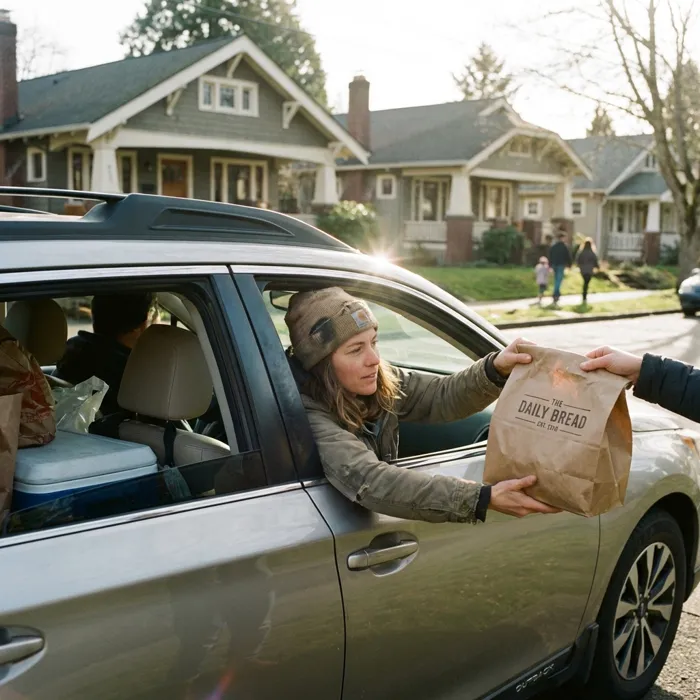
Delivery zones and fees, a driver app, and a live tracking link for customers.
Card payments
Card, Apple Pay and Google Pay online, plus Stripe card readers on the POS.
Loyalty & customers
Points and rewards, customer profiles, credit, and allergy notes the kitchen sees.
Table bookings
Customers book a table online and you see every booking on the POS.
Staff clock
Staff clock in, take breaks and clock out with their own PIN. Timesheets done for you.
Reports & dashboard
Sales, payouts and a daily email, for one shop or many.
Marketing
Texts, push notifications, reviews, offers, gift vouchers and social posts.
Stock & sold out
Mark anything sold out in one tap, everywhere. Stock counts are coming soon.
Your own app
Customers add your app to their phone in one tap, with your name and logo.
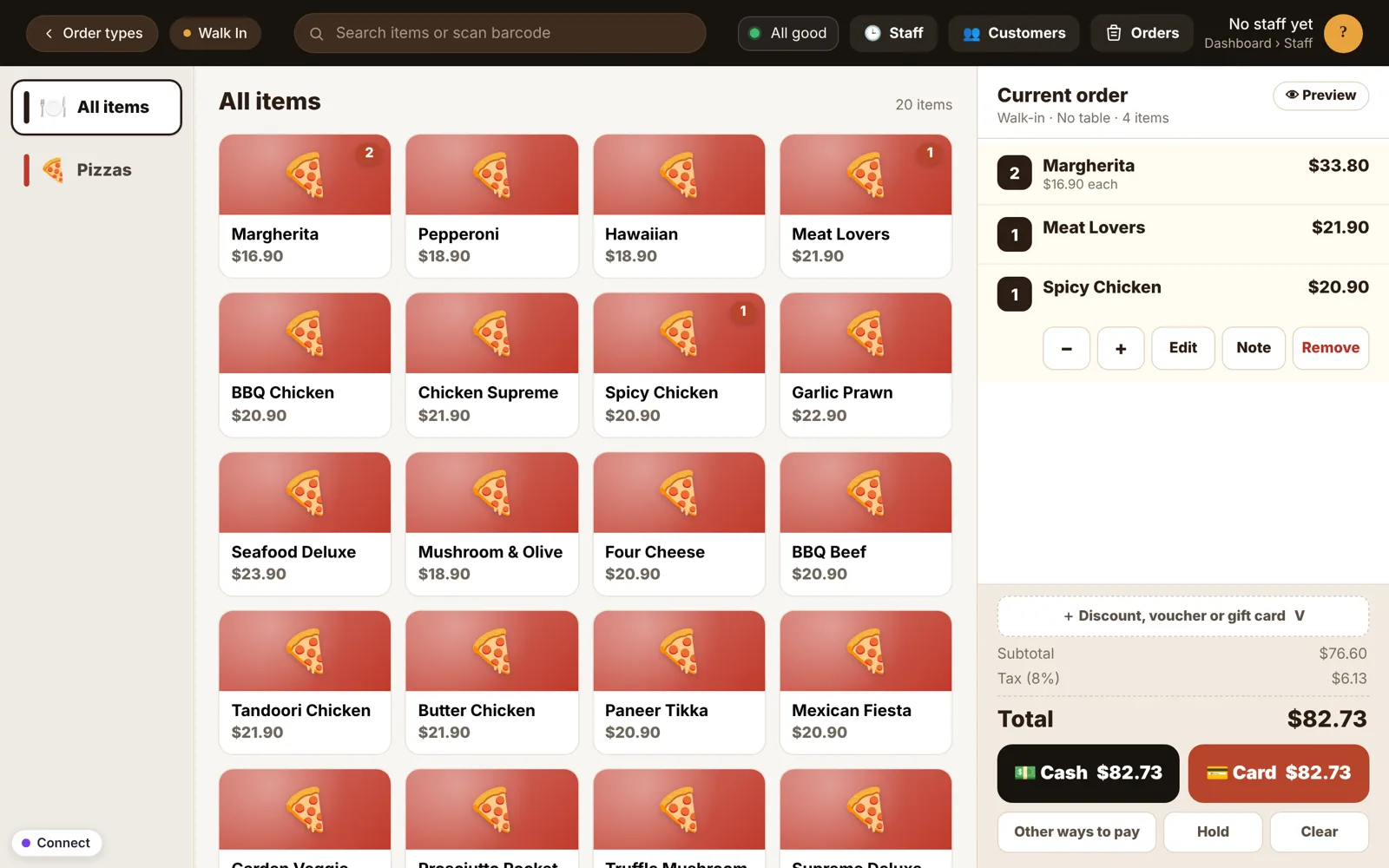
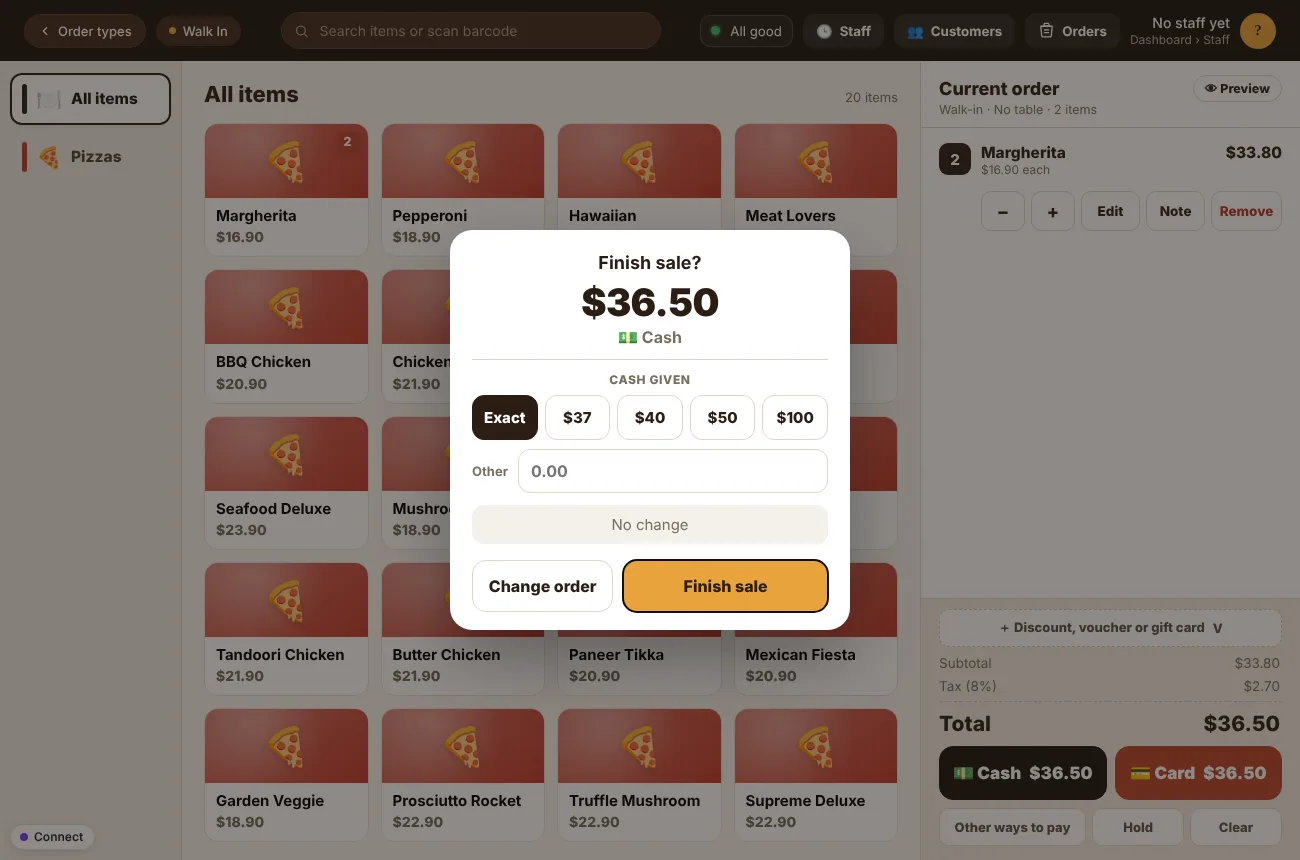
A POS your team learns in minutes.
Big buttons, clear totals and nothing in the way. It runs in the browser on a Windows PC, an Android tablet or an iPad.
- Walk-in, pick-up, delivery and tablesOne screen for every kind of order, including the ones from your website.
- Cash and card, done rightChange worked out for you, card readers that charge the exact amount, and a clear “Sale complete”.
- Knows your customersType a phone number to see their name, points, credit, tags and allergy notes.
- Printers and cash drawerReceipts and kitchen dockets print where you want them.
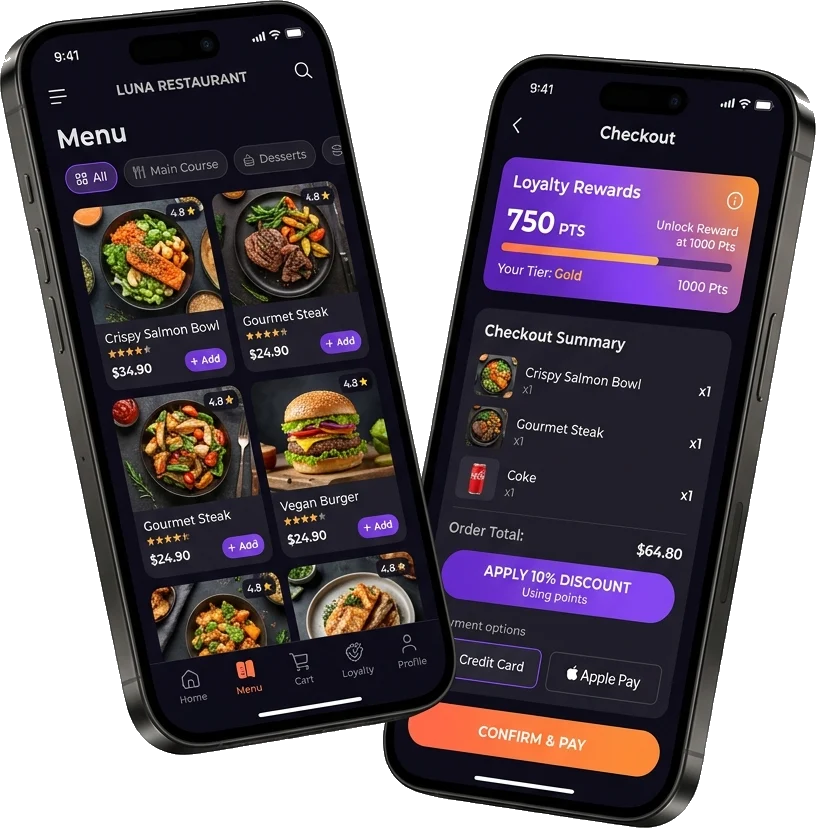
Your website. Your app. Your customers.
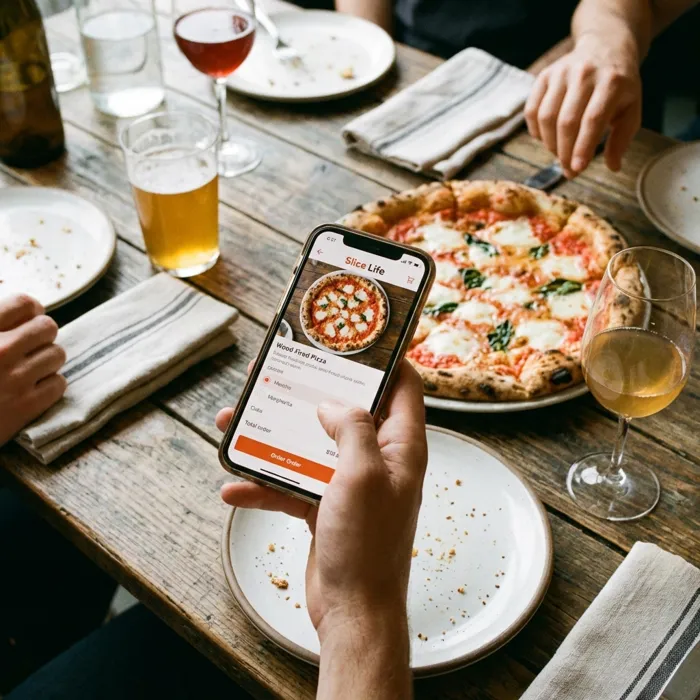
Customers order straight from you, not through a marketplace. Their orders land on your POS and kitchen screen at once.
- A website in your brandYour logo, colours and menu, on your own address.
- Pick-up, delivery and pre-ordersOpening hours, delivery areas and order-ahead times are all handled.
- Paid straight to youCard, Apple Pay and Google Pay go to your own Stripe account.
- Your own appCustomers add it to their phone’s home screen in one tap. App store versions are on the way.
Let customers book a table, any time.
A “Book a table” button on your website and app. Customers pick the day, time and number of people, and only times with a free table are shown.
- Bookings straight to your POSEvery booking shows on the POS, so your team always knows who’s coming.
- Accept automatically, or confirm each oneYou decide. Customers get a text when their booking is confirmed, and a reminder before they arrive.
- Your tables, your rulesSet your tables, how long a table is kept, and how far ahead people can book.
- Choose dishes in advanceCustomers can pick the dishes they’d like when they book, so the kitchen is ready.
- Just need bookings?There’s a Bookings plan with your own website for your menu and tables, no POS needed.
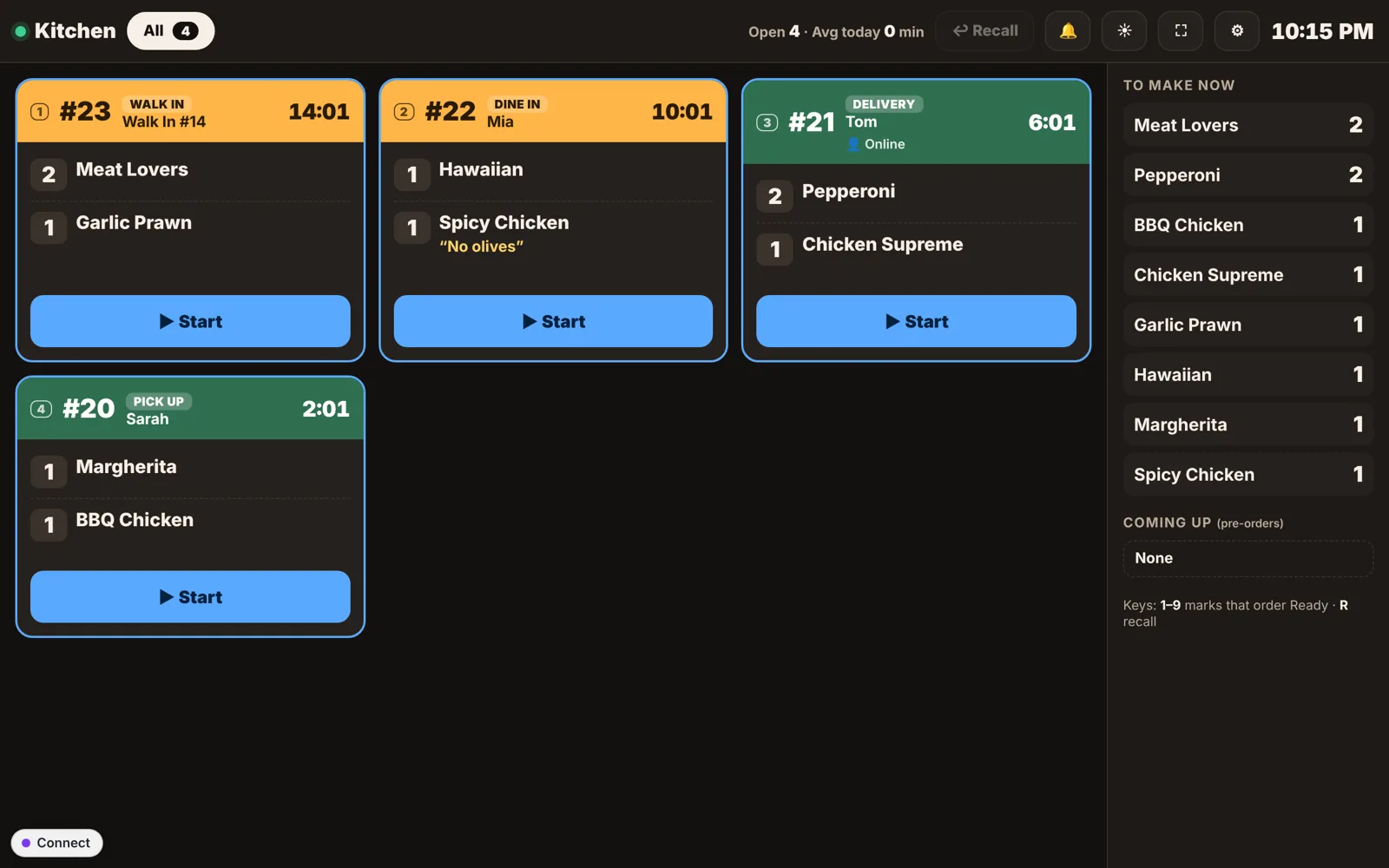
No more lost tickets.
Every order appears in the kitchen the moment it’s placed: at the counter, on the phone or online.
- Oldest first, with timersColours show pick-up, delivery and dine-in at a glance.
- “To make now” listSee how many of each dish to make across all orders.
- Any screen will doA tablet, a TV or a spare computer. Tap Start and Ready as you go.
Turn first orders into regulars.
Your own points programme, shared across all your locations. Customers earn on every order, at the counter or online, and choose their rewards.
- Points for every dollarYou choose how many points per $1 and when they expire.
- Rewards they’ll useA free dish, money off, or points spent like cash at checkout.
- Works everywhereCustomers see their points on your website; staff see them on the POS by phone number.
- Know your customersProfiles with order history, tags like VIP, allergy notes, credit and what they owe.
Bring customers back, without an agency.
Everything you need to fill quiet nights, in one place, and you can see what each one brought in.
- Text messages that send themselvesWelcome, “We miss you”, birthday and slow-day texts, only to people who said yes.
- Push notificationsSend an offer to everyone who turned on notifications from your website.
- Get more Google reviewsGrow your Google reviews and hear what customers think.
- Offers, deals and gift vouchersDiscount codes, meal deals, free items and gift cards, online and on the POS.
- Social posts and QR codesReady-made posts for Facebook and Instagram, and tracked links and QR codes.
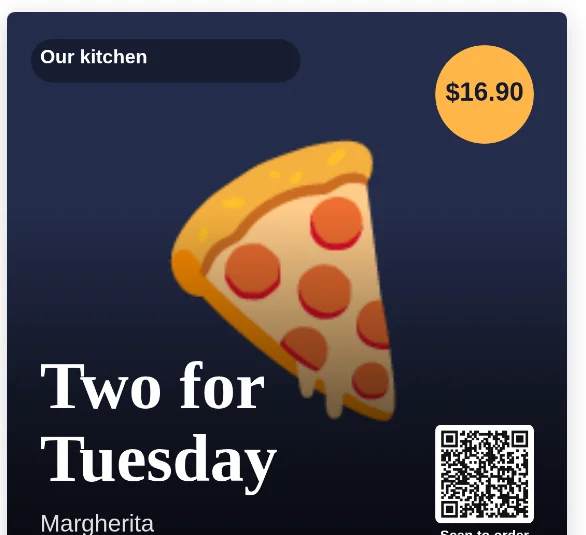
Run out? One tap and it’s off everywhere.
Mark a dish, a size or an ingredient as sold out on the POS, and it disappears from your website and app at the same moment. Tap again when it’s back.
- Sold out in one tapFor the counter, your website and your app, or just one of them.
- Ingredients tooOut of mushrooms? Switch them off once and every dish that uses them follows.
- Stock counts and low-stock alertsComing soon: count your stock, see what’s running low and what to order.
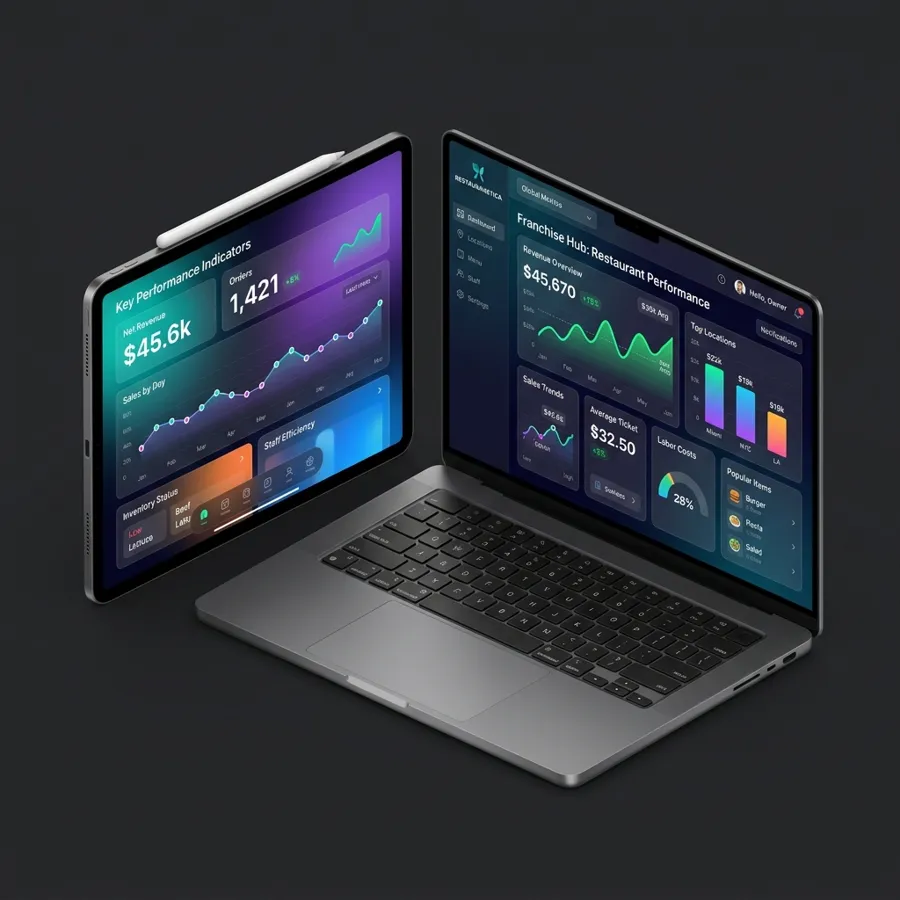
See how you’re doing, from anywhere.
Change your menu, prices and opening hours in one place. They update on the POS, website and app straight away.
- Sales and payoutsDaily, weekly and monthly reports, plus a sales email every evening.
- One shop or manyRun several locations and brands, with their own menus and hours.
- Marketing built inText your regulars, run offers and gift vouchers, and plan posts for Facebook and Instagram.
From the counter to the kerb.

Up and running in 3 simple steps
No developers, no long contracts. We help you every step of the way.
Add your menu
Add your dishes, sizes and extras in the menu editor, or send us your menu and we’ll help set it up.
Connect your devices
Open the POS and kitchen screen on your tablets or computers, and connect payments with Stripe.
Start taking orders
Share your ordering website, take orders at the counter, and watch your regulars come back.
Frequently asked questions
Do I need technical skills?
No. Everything is done in plain screens: menus, prices, hours, staff and marketing. No code, ever.
What devices do I need?
MealBeep runs in the web browser, so a Windows PC, an Android tablet or an iPad works for the POS, and any tablet, TV or computer works for the kitchen screen. Receipt printers and cash drawers can be connected.
Do you take a commission on my orders?
No. You pay a monthly subscription and keep your full menu price. When customers pay by card online, a small service fee is shown clearly at checkout.
Is the website and app under my own brand?
Yes. Customers see your restaurant’s name, logo and colours, not MealBeep.
How do card payments work?
Online payments and card readers go through Stripe, straight into your own Stripe account. You can also keep using your existing card machine and record the payment on the POS.
Where is MealBeep available?
MealBeep is launching for restaurants in Australia, New Zealand and the United States.
Ready to take your orders back?
Set up your POS, online ordering and kitchen screen with MealBeep. We’ll show you around.